Description
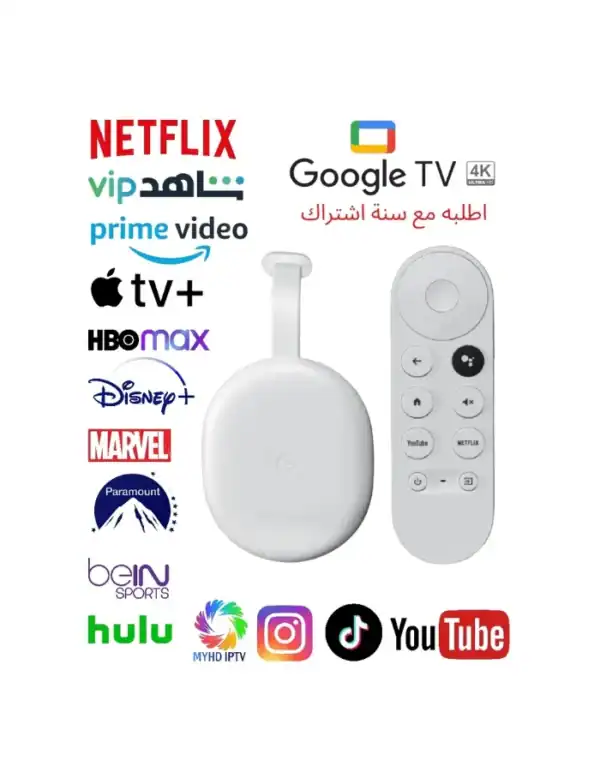
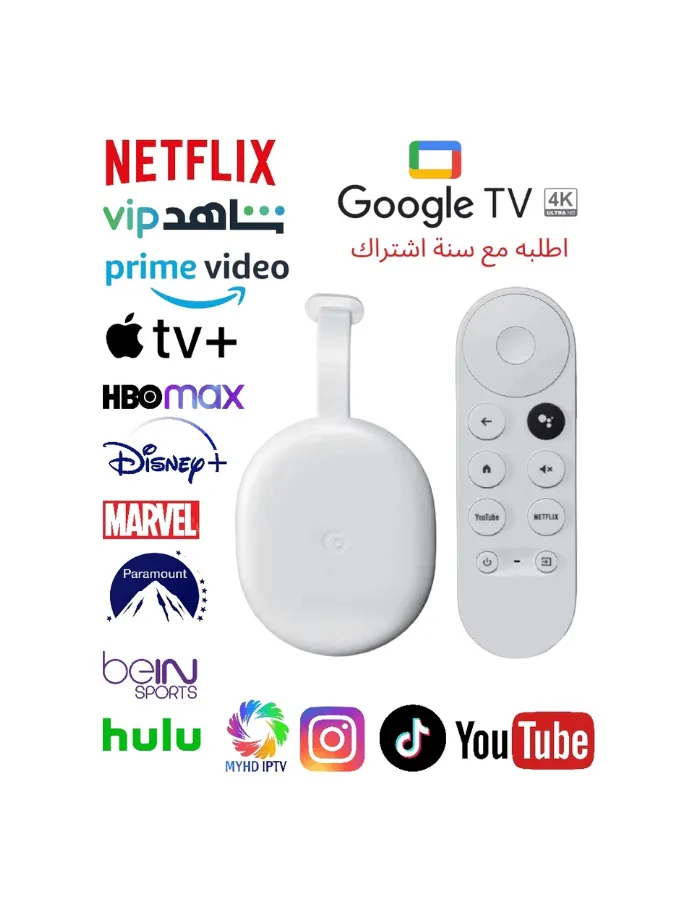
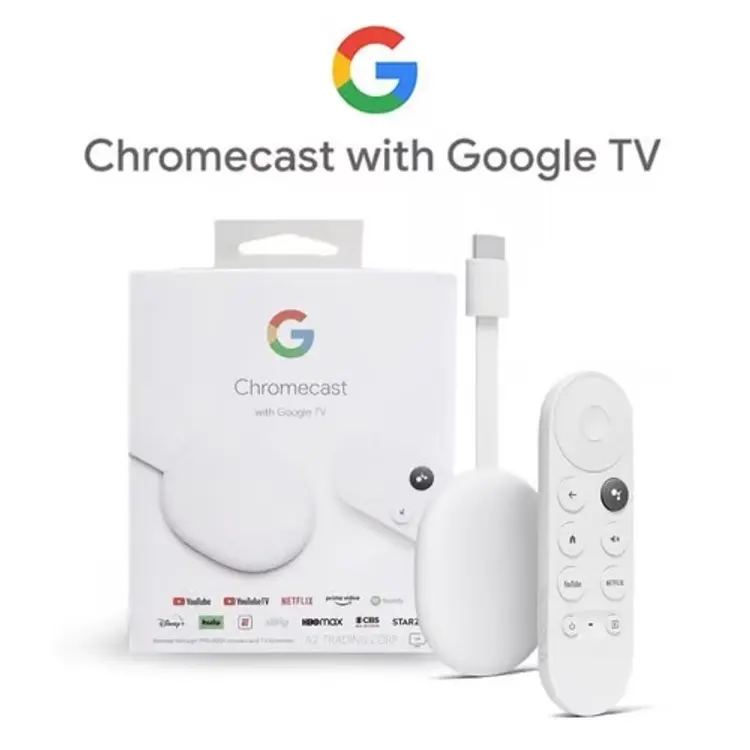
Chromecast Google TV 4K IPTV Ready Netflix Shahid & All Local & International Channels (ORIGINAL 1 YEAR WARRANTY)
- Number of channels: 5,000+
- Ports: HDMI, USB-C
- Max video resolution: 4K/60 fps
- Supported HDR formats: HDR10, HDR10+, Dolby Vision
- Supported audio formats: Dolby Digital, Dolby Digital Plus, and Dolby Atmos
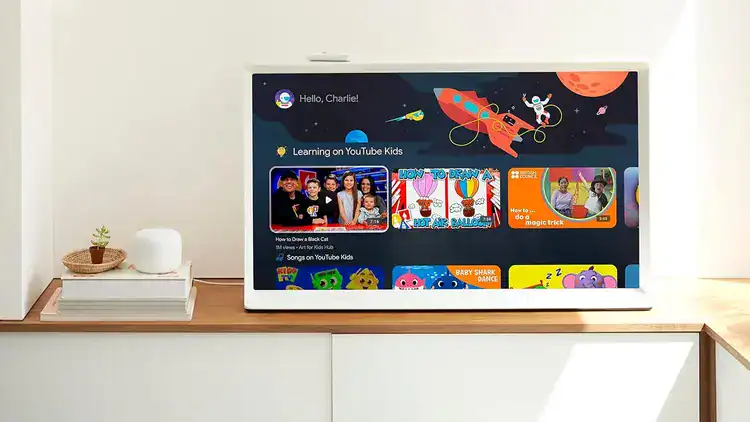
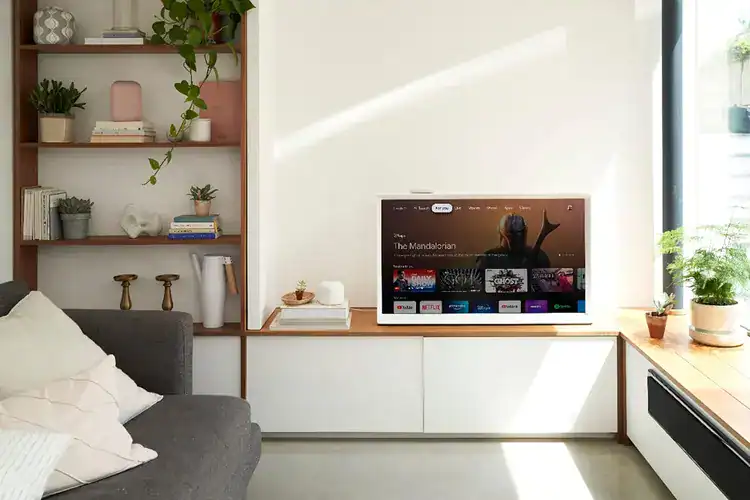
Experience next-level streaming with the Google Chromecast with Google TV 4K (White). Enjoy stunning 4K Ultra HD resolution with HDR support, and stream your favorite shows, movies, and live TV from Netflix, YouTube, Disney+, Prime Video, and more – all in one place. The included voice remote makes searching fast and easy with Google Assistant – just ask and watch. Chromecast works with any TV that has an HDMI port and Wi-Fi, giving you instant access to endless entertainment. ✅ 4K Ultra HD + HDR ✅ Google TV interface ✅ Voice remote with Google Assistant ✅ Easy setup via HDMI ✅ Sleek white design ✅ Supports popular apps like Netflix, YouTube, and more
1. Initial Device Setup
- Hardware Connection: Plug the Chromecast into an available HDMI port on your TV and connect the USB-C power cable to a wall outlet using the provided adapter.
- Pair Remote: Follow the on-screen prompts to pair your remote by holding the Back and Home buttons until the light pulses.
- Configuration: Use the Google Home app on your phone to scan the QR code on the TV. This will help you connect to Wi-Fi and sign in to your Google Account.
2. Setting Up Netflix & Shahid
- Download Apps: Go to the Apps tab on your Google TV home screen. Search for Netflix and Shahid, then select Install.
- Sign In:
- Netflix: Open the app and sign in with your email and password.
- Shahid: You can log in directly on the TV or cast content from the Shahid app on your phone by tapping the Cast icon
3. Using IPTV for Local & International Channels
To watch live TV channels via IPTV, you will need a third-party player and a service provider. [
1]
- Official Free Options: Google TV includes a Live tab with over 150+ free built-in channels (Google TV Freeplay) that require no additional setup or subscription.
- Recommended IPTV Players:
- TiviMate IPTV Player: Widely considered the best interface for Google TV. Available on the Google Play Store.
- IPTV Smarters Pro: A versatile player that supports M3U playlists and Xtream Codes API.
- OTT Navigator: Highly customizable for users with multiple playlists.
- Adding Channels:
- Open your chosen IPTV player.
- Select Add Playlist.
- Enter the M3U URL or Xtream Codes (Server URL, Username, and Password) provided by your IPTV service