
No products in the cart.
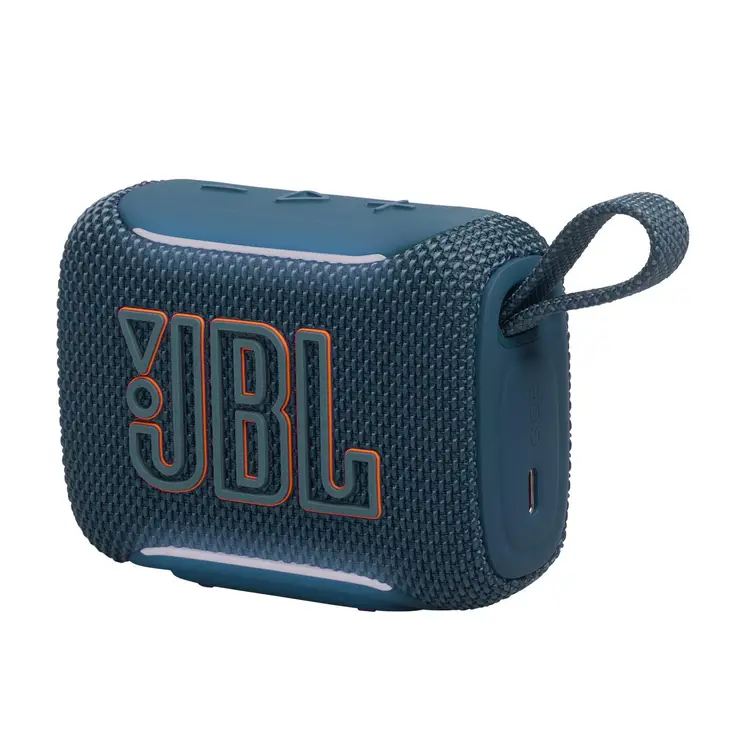
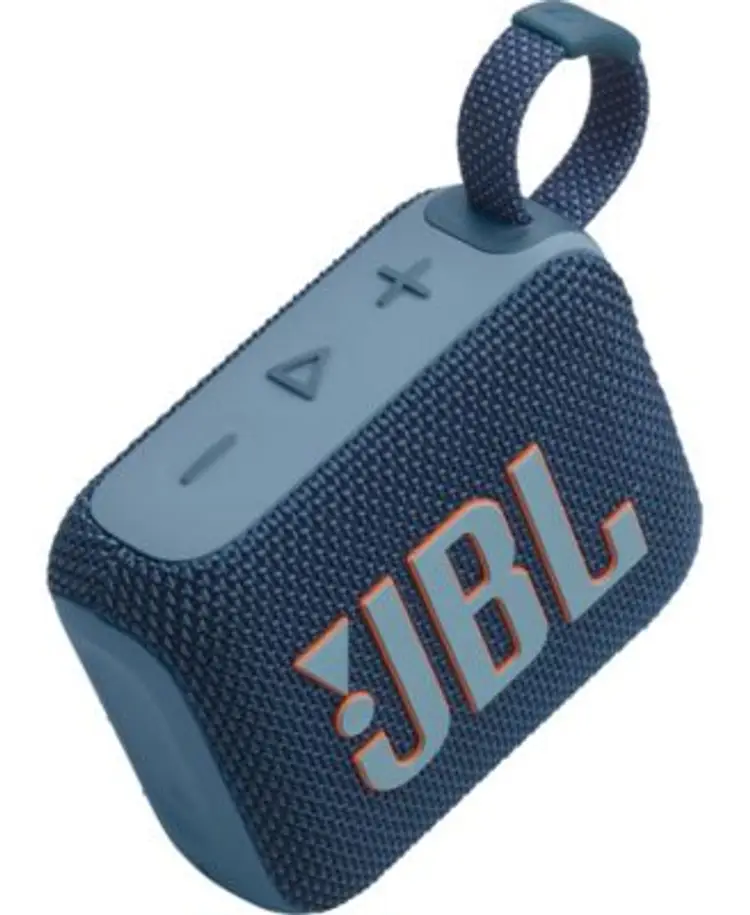
JBL GO5 Blue Connection ports: USB-C1 x Quick Start Guide version: 6.0 Output power: 4.8W RMS
$69.0
In Stock
SKU
BLGO5BLAVO
Categories Headsets/Keyboard/Speakers, Laptop & PC Accessories
Tags ACCESSORIES, JBL, Speakers
Description
JBL GO5 Blue Connection ports: USB-C1 x Quick Start Guide version: 6.0 Output power: 4.8W RMS
To ensure your JBL Go 5 operates perfectly, here are the essential troubleshooting steps and maintenance tips based on your specifications.
🔧 Troubleshooting Quick Fixes
- No Sound or Weak Audio : Open the JBL Portable App. Adjust the 7-band EQ to ensure frequencies are not accidentally zeroed out.
- Pairing Failures : If AirTouch Pairing fails, ensure both speakers are unlocked. Bring them together firmly but gently to trigger the NFC/proximity sensor.
- Charging Issues : Use the provided USB-C port with a certified adapter. If it takes longer than 3 hours to charge, swap the cable or power brick.
- Firmware Glitches : If the ambient edge lights freeze, connect to the JBL Portable App. Check for and install any pending system firmware updates.
🧼 Maintenance and Care
- Rinse After Saltwater : The IP68 rating allows full submersion. Always rinse the speaker with fresh water after beach use to prevent salt buildup.
- Dry Before Charging : Never plug a USB-C cable into the charging port while it is wet. Let the port dry completely to avoid short circuits.
- Battery Preservation : Avoid leaving the speaker in direct, hot sunlight for extended periods. Extreme heat permanently degrades the battery capacity.
- Eco-Fabric Cleaning : Clean the recycled fabric exterior with a damp, lint-free cloth. Do not use harsh chemical solvents or abrasive brushes.