Description
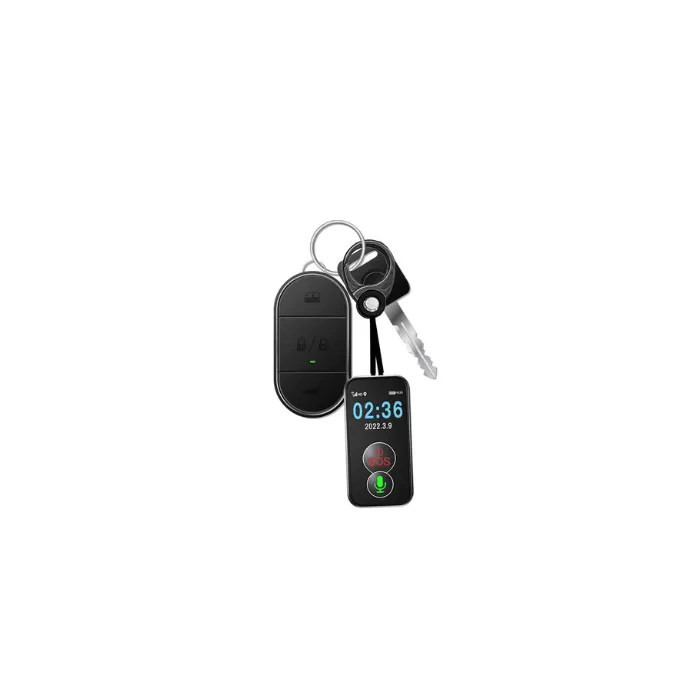
Mini GPS Pet 4G Medical Approved Elderly Friendly To Use Tracker Battery Operated
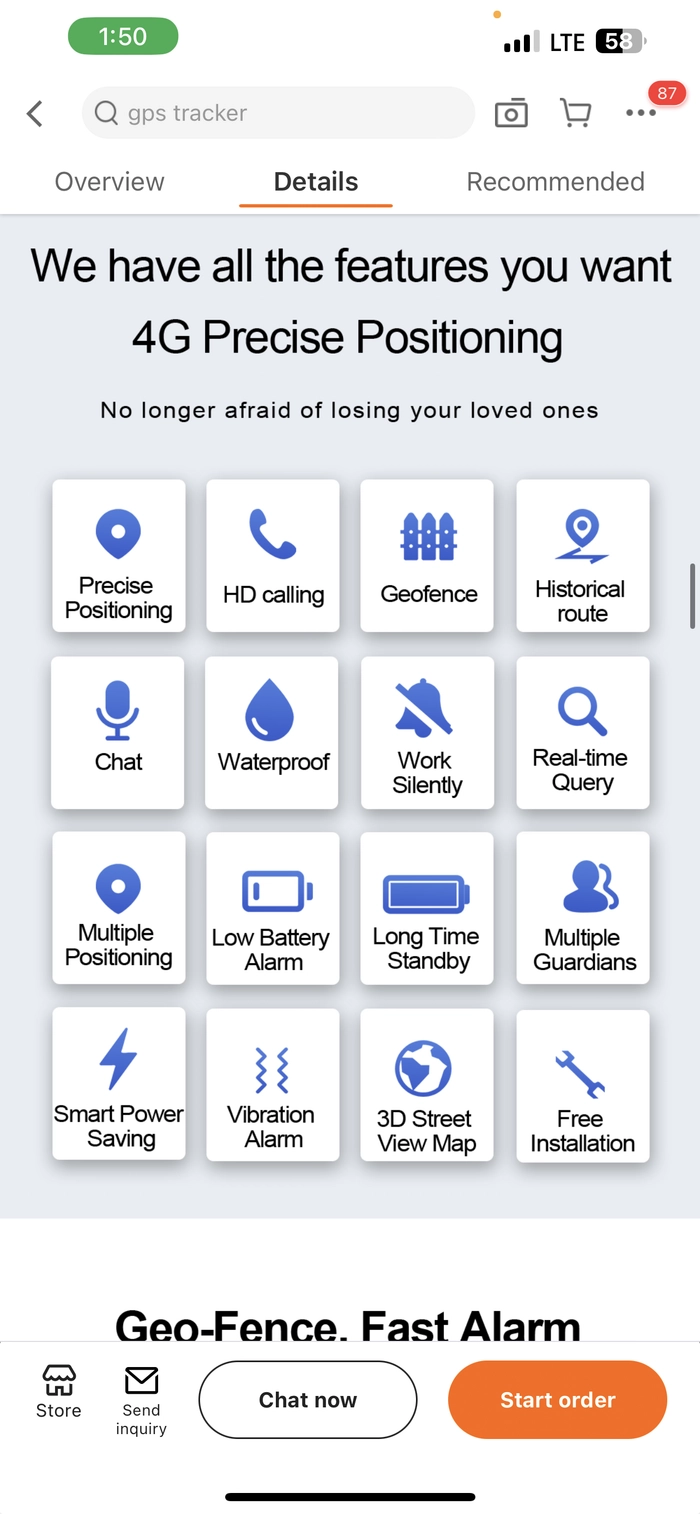
GPS+BDS+WIFI+LBS;
Network : 4G LTE;data means the tracker uses a mobile SIM card with internet/data service to send its location to the tracking app.
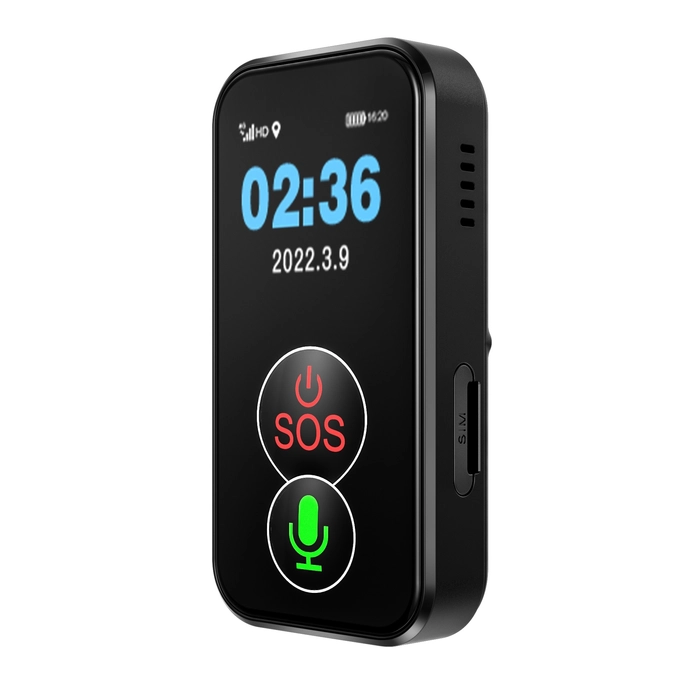
Srcreen to show time,power,signal,device status;
Nano SIM card;
Big SOS button with emergency call;
Big voice chat button;
Small size, easy to carry;
Battery:1000mAh, long standy;
Multiple profiles: ringtone; Vibration; Vibration + ringtone; mute;
Clear and high voice volume;
Fall detector emergency call;
The GPS signal is stronger;
Health remind function;
2 call answer modes: press button to answer,answer automatically;
Geo-Fence;
Historical GPS Location;
Real-time Tracking;
Low battery alarm notification;
- Continuous GPS tracking + 4G data: about 8–15 hours
- Normal daily use (tracking occasionally): about 1–3 days
- A Nano SIM card
- The SIM must have mobile data enabled (not just calls/SMS
around 12–24 hours of active use before charging.
1. Charge the Device
- Fully charge the tracker before first use.
- Charging time is usually 2–4 hours.
- A full charge provides approximately:
- 8–15 hours with continuous GPS tracking.
- 1–3 days with normal daily use.
- Around 12–24 hours of active use depending on how often GPS updates.
2. Insert a Nano SIM Card
Requirements:
- Nano SIM card
- 4G LTE compatible
- Mobile data enabled
- Voice calls enabled
- SMS enabled (recommended)
- PIN lock disabled
Insert the SIM while the tracker is powered off.
3. Power On
Press and hold the Power button for several seconds until the screen turns on.
The display will show:
- Time
- Battery level
- Mobile signal
- GPS status
- Device status
4. Install the Tracking App
Most trackers include:
- QR code in the manual
- QR code on the box
Scan it to install the correct app.
Common apps used by these trackers include:
- SeTracker
- SeTracker2
- AIBEILE
- SinoTrack
- 365GPS
(Use the app specified in your manual.)
5. Register the Device
Inside the app:
- Create an account.
- Add Device.
- Scan the QR code on the tracker or enter the Device ID.
- Save.
The tracker should now appear online.
Main Features
Real-Time Tracking
Open the app.
You can:
- See the current location
- Refresh location
- View movement on the map
Uses:
- GPS
- BeiDou (BDS)
- Wi-Fi
- LBS (Cell Tower)
for better positioning.
SOS Emergency Button
Press and hold the large SOS button for about 3 seconds.
The tracker will:
- Call emergency contacts.
- Send an SOS notification.
- Share the current location.
Voice Chat
Press the large Voice button.
You can:
- Send voice messages.
- Receive voice messages.
- Talk through the tracker (depending on the model).
Calling
Supports two answering modes:
- Press the button to answer.
- Auto-answer.
Family members can call the tracker like a mobile phone.
Fall Detection
If the wearer falls:
- The tracker detects the impact.
- Sends an emergency alert.
- May call preset emergency contacts (depending on settings).
Geo-Fence
In the app:
Create a safe area.
Example:
If the tracker leaves that area, you’ll receive an alert.
Historical Route
View:
- Previous locations
- Travel history
- Movement path
Useful for checking where the wearer has been.
Low Battery Alert
When battery becomes low:
- The app sends a notification.
- Recharge the tracker promptly.
Health Reminder
Depending on the model, you can schedule reminders for:
- Taking medication
- Drinking water
- Exercise
- Daily activities
Sound Profiles
Choose between:
- Ring
- Vibration
- Ring + Vibration
- Silent
Battery Tips
To extend battery life:
- Use longer GPS update intervals instead of continuous tracking.
- Keep the tracker in an area with good mobile signal.
- Charge it every evening if used throughout the day.
- Avoid continuous live tracking unless necessary.
Package Usually Includes
- Mini GPS Tracker
- USB Charging Cable
- User Manual
- Lanyard (on some models)
Troubleshooting
No location shown
- Ensure GPS is enabled.
- Go outdoors where the tracker has a clear view of the sky.
- Check that mobile data is active on the SIM card.
Offline in the app
- Verify the SIM card is inserted correctly.
- Confirm the SIM has an active data plan.
- Restart the tracker.
- Check for sufficient network coverage.
Cannot make calls
- Make sure the SIM supports voice calls.
- Ensure emergency contacts are configured correctly in the app.