MINIFIRE MFG27C1 27"CURVED FHD Accessories IN LEBANON
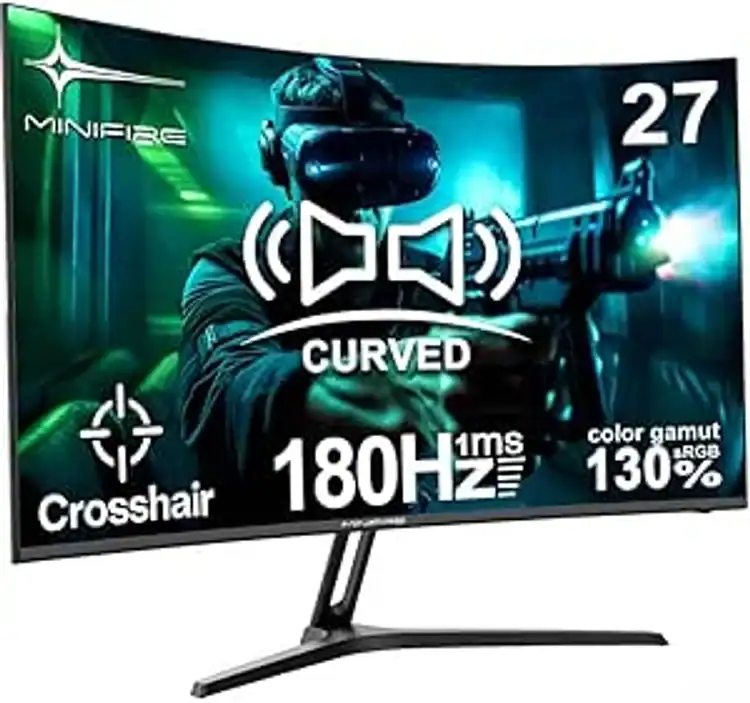
MINIFIRE 27"CURVED FHD 180HZ HDMI+DP BUILT IN SPEAKERS MONITOR
$140.0
In Stock

Description

MINIFIRE MFG27C1 27″CURVED FHD 180HZ HDMI+DP BUILT IN SPEAKERS MONITOR

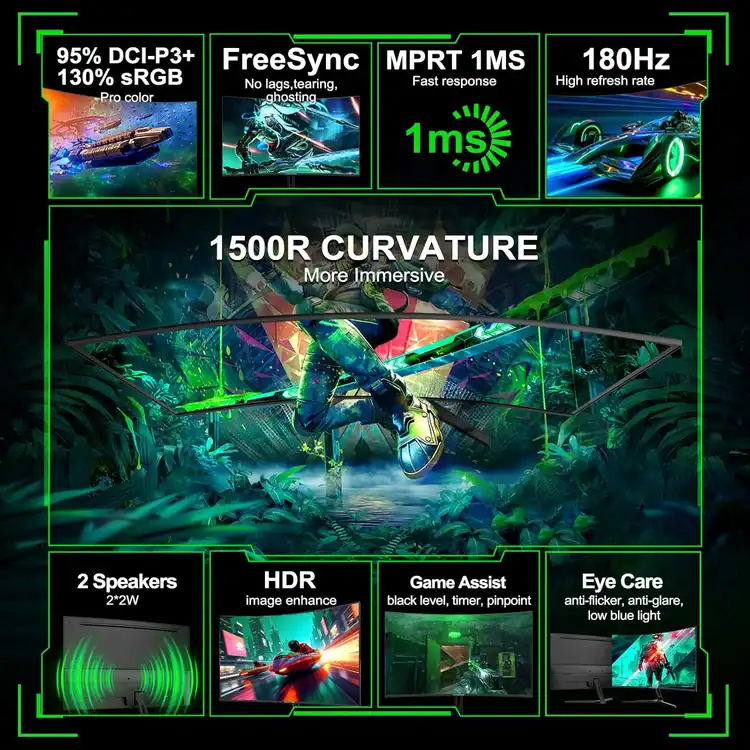
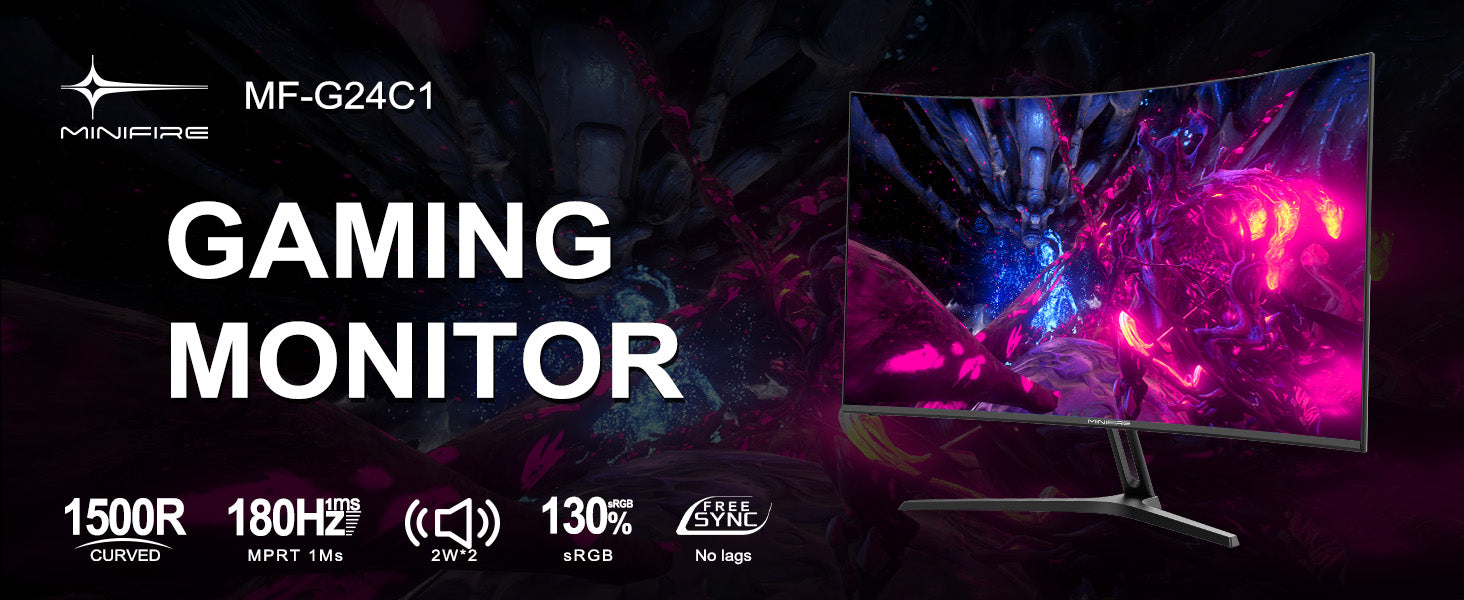
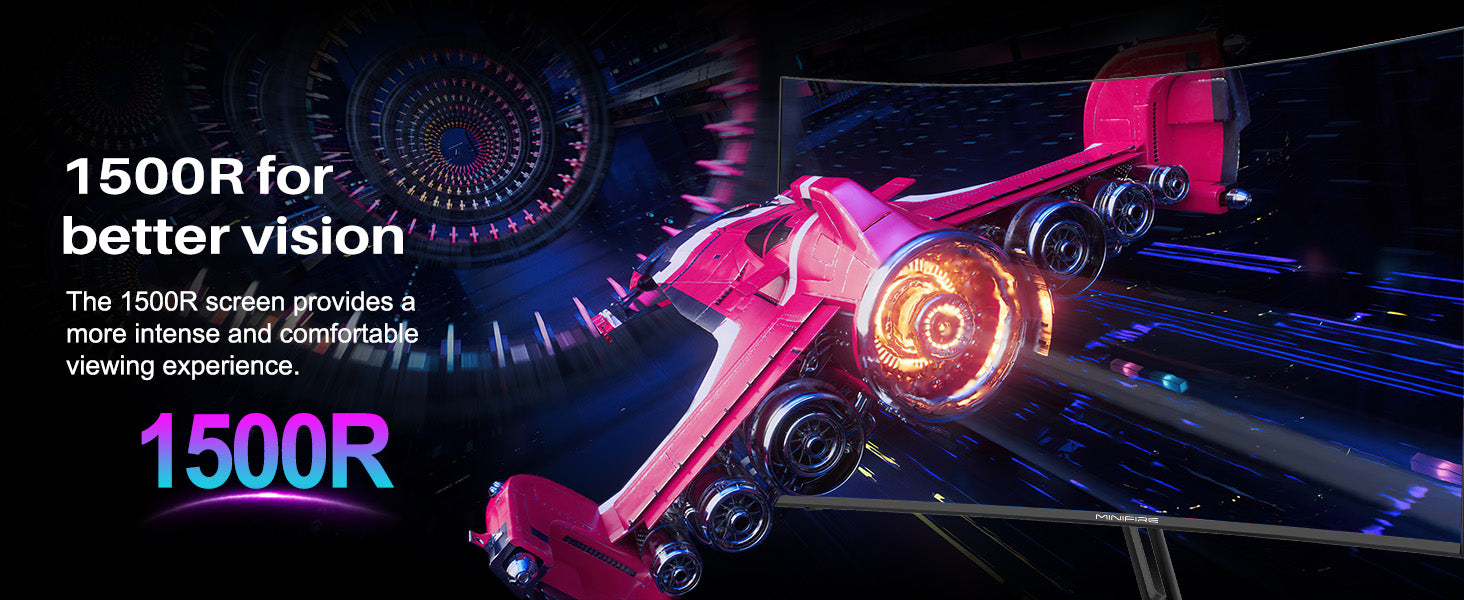
  • 27 inch Curved 1500R FHD 180Hz Fast VA gaming screen. (With built-in speaker)
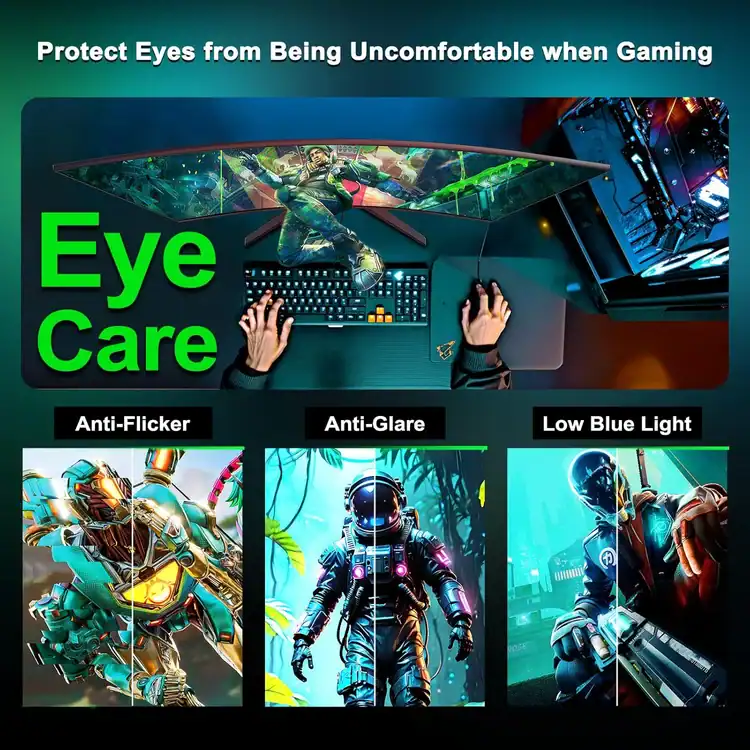
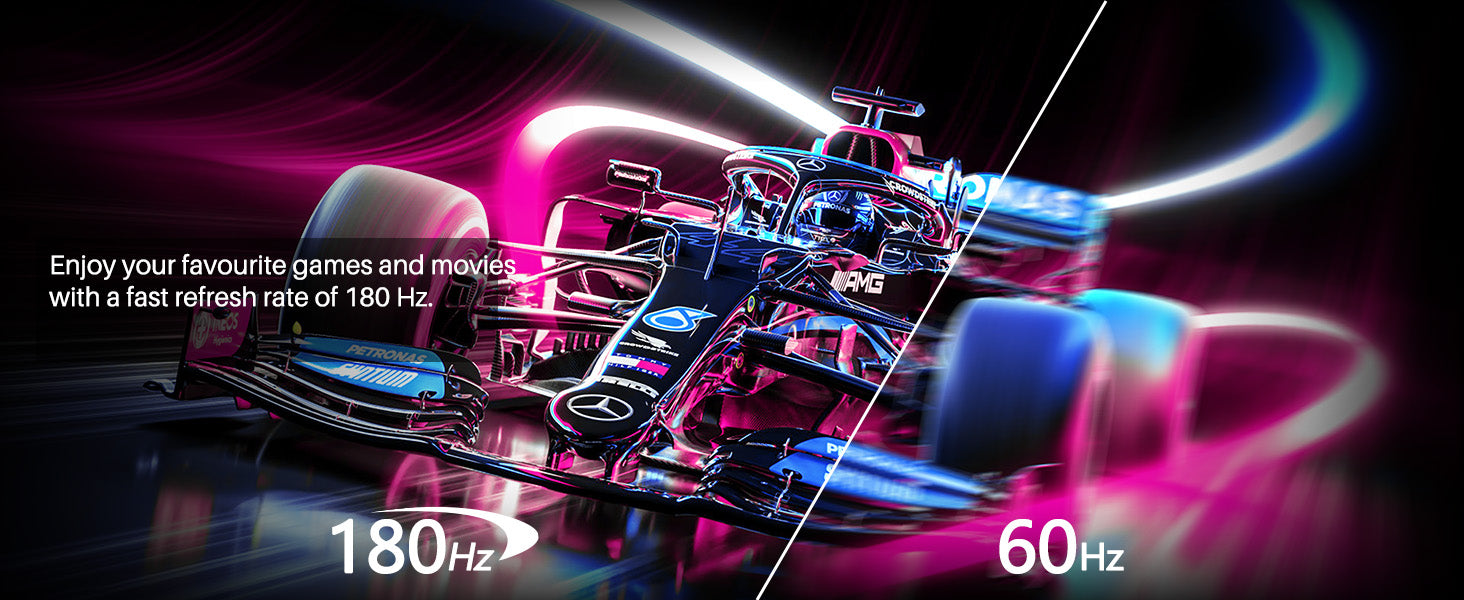
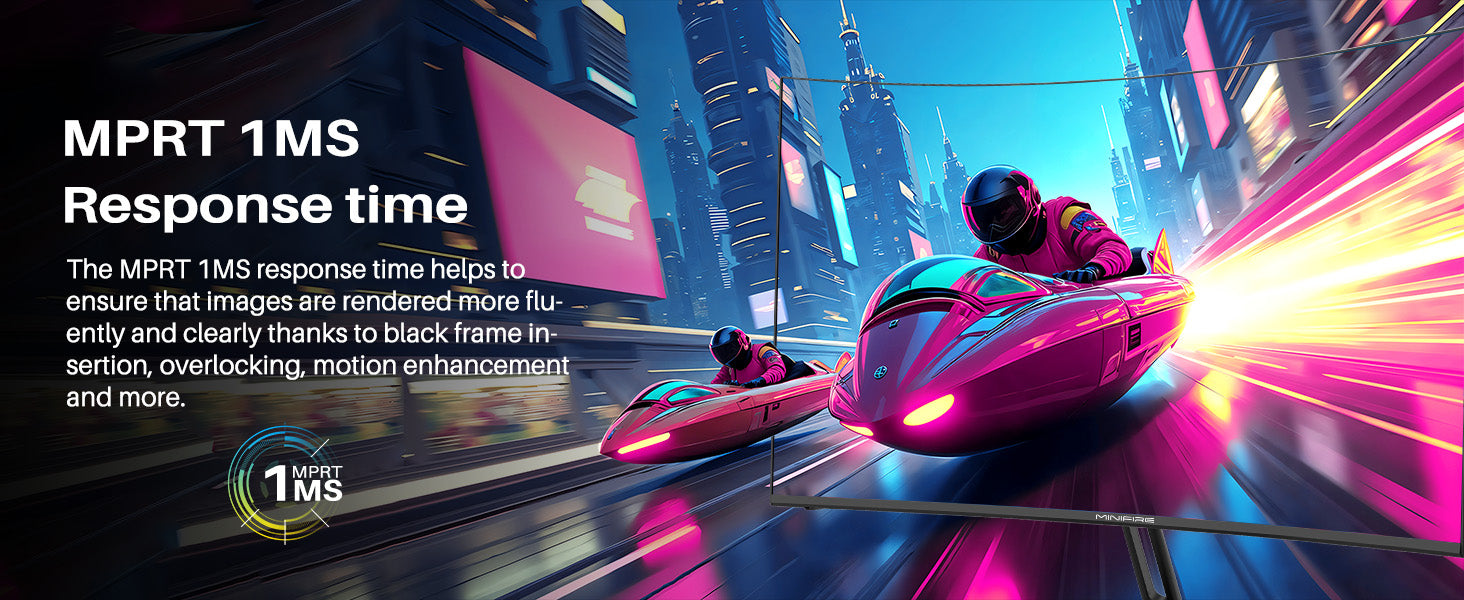
  • Performance: 180Hz refresh rate | MPRT 1 ms response time丨 AMD FreeSync | blue light reduction | flicker-free
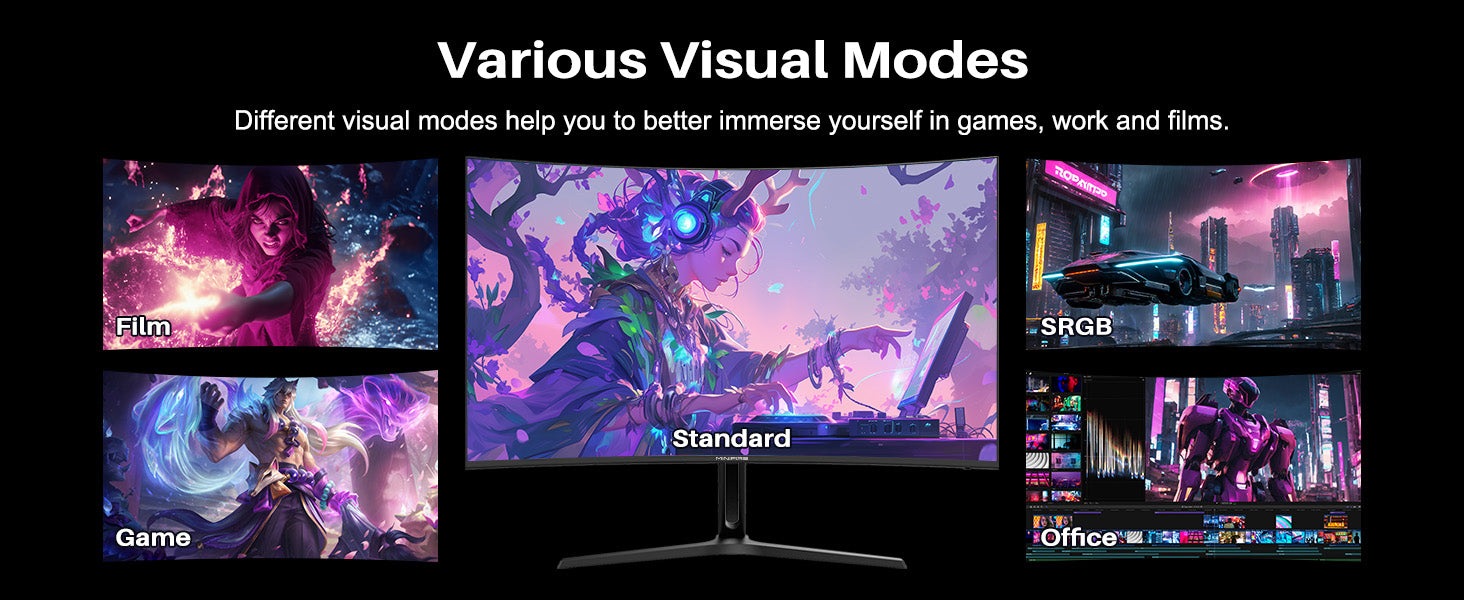
  • Screen colours: sRGB 130 % | 300 Nits | 8 Bit丨DCI-P3 95 %丨HDR
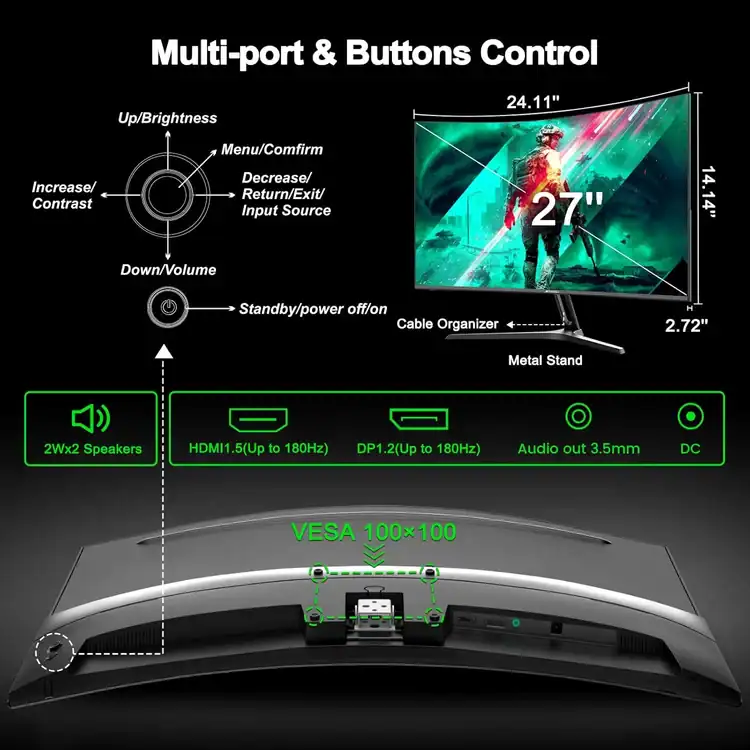
  • Ergonomic stand: Tilt -5°~15°(+/-2°)丨VESA compatible (75 x 75 mm:4 holes with M4 x 8 mm) | 178° wide viewing angle | PIP/PBP
  • Input and output: HDMI 1.4 |DP 1.2 | With headphones and speakers (4Ω 2Wx2)

When connecting a PS5 to the Minifire MFG27C1 gaming monitor via HDMI, you will get either 60Hz or 120Hz, depending entirely on the specific game you are playing

Performance Breakdown
  • Standard Games: You will get 60Hz at 1080p resolution.
  • Supported Performance Games: You will get 120Hz at 1080p resolution in games optimized for high frame rates (such as Call of Duty, Fortnite, Apex Legends, or Destiny 2)
  • Essential Settings to Enable 120Hz on PS5 [1]
    The PS5 will not automatically run at 120Hz unless you adjust your console settings first. Follow these steps: 
    1. Enable System Performance Mode:
        • Go to the PS5 Settings (gear icon) -> Saved Data and Game/App Settings -> Game Presets.
        • Change the setting to Performance Mode. This tells games to prioritize frame rate over resolution.

    2. Set 120Hz Output:
        • Go back to Settings -> Screen and Video -> Video Output.
        • Find 120 Hz Output and set it to Automatic.

    3. Check In-Game Settings:
      • Launch your game and open its video/graphics options menu.
      • Ensure that the 120Hz Mode or Frame Rate Mode toggle is switched to On